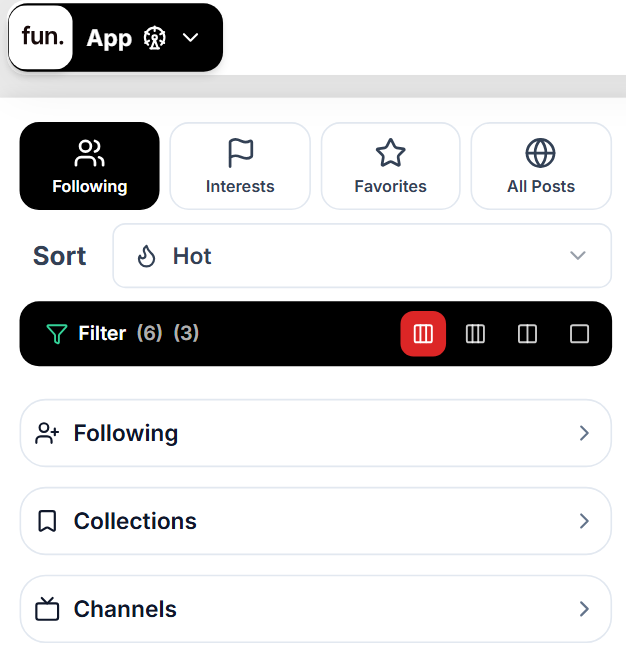
Content is automatically sorted into interests based on the topics you post to, the keywords you use and the tags you apply to content.
Topics / Subtopics
Sort content based on the topic. Topics are the same across every site.
Keywords
Can be assigned to a profile, content and any other elements of the site. These can be used to discover what is using the keyword and see content marked with the keyword.
Tags
We use a hashtag system that allows you to tag any post on the network.
A personalized news experience that helps you discover and organize stories from sources and topics you care about.
Social
Share with your friends
A private social network designed for sharing life with friends and family, free from public performance and follower culture.
Page
Build a page and share your story
An image-grid platform for self-expression where you can share photos, videos, stories, and build a personalized online presence.
Watch
Post your videos and discover creators
A video platform for everything from short clips to long-form content, built around creators, communities, and discovery.
Community
Create communities around shared interests
A collection of topic-based communities where people gather around shared interests, hobbies, ideas, and conversations.
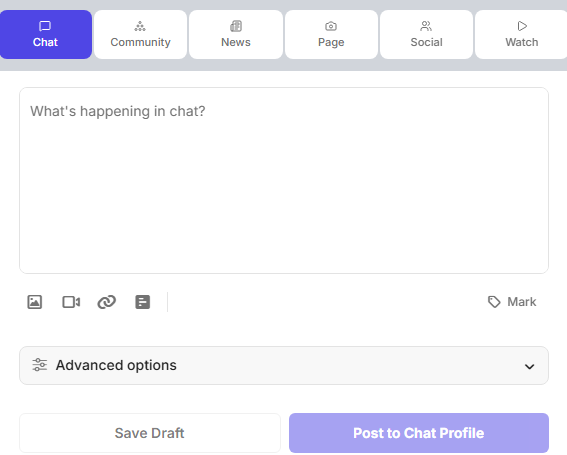
Chat
Start conversations with chatrooms and threads
A platform for real-time conversations through public discussions, chatrooms, and threaded exchanges.
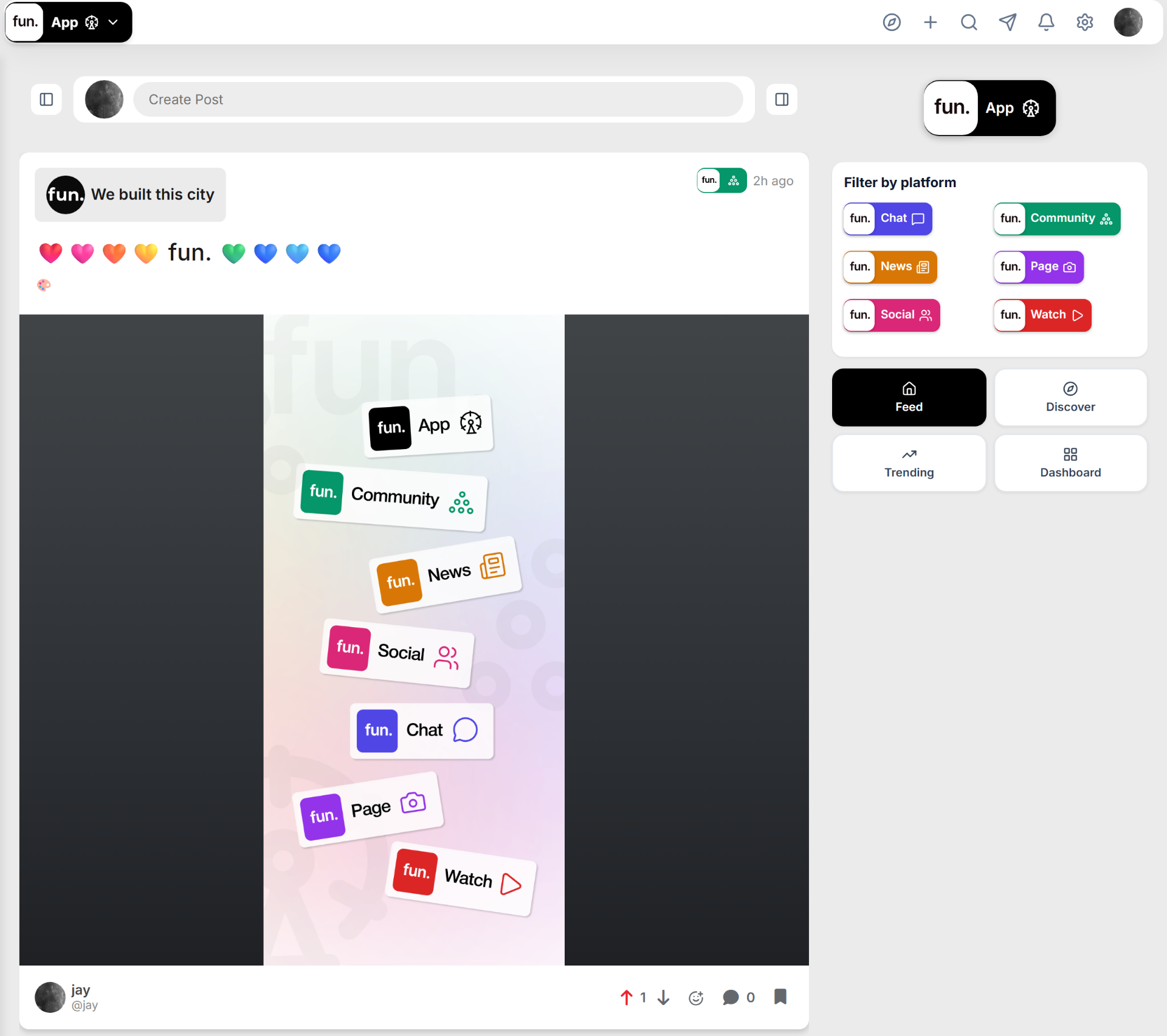
fun.app gives you the power of multiple platforms in one.
Start a chat, create a community, post your videos, build a page, write news articles, and more.
Using fun.app is easy and creative, just selected a feed and post.
With fun.app you can share your life online with just one account and build your audience in one place.
Share more online with fun.app
All you need to do is sign up, drop a profile picture & cover photo, and start creating.
GET STARTED IN A FEW EASY STEPS
Join the fun.app
A quick walkthrough from sign up to your first post.
01
Create your account
Sign up and claim your fun.app/u/username — it will be the same for all your fun.app platforms.
02
Set up your fun.app profiles
Add a profile picture, cover photo, and bio. Do it once on fun.app, or customize each.
03
Start posting
Pick a platform and create — everything posts automatically to your fun.app profile.
We use strictly necessary cookies to run the Network, and optional cookies for analytics,
personalization, and advertising. You can accept all, reject non-essential, or choose what you allow.
Your choice applies across the whole fun.app Network. See our
Privacy Policy.